


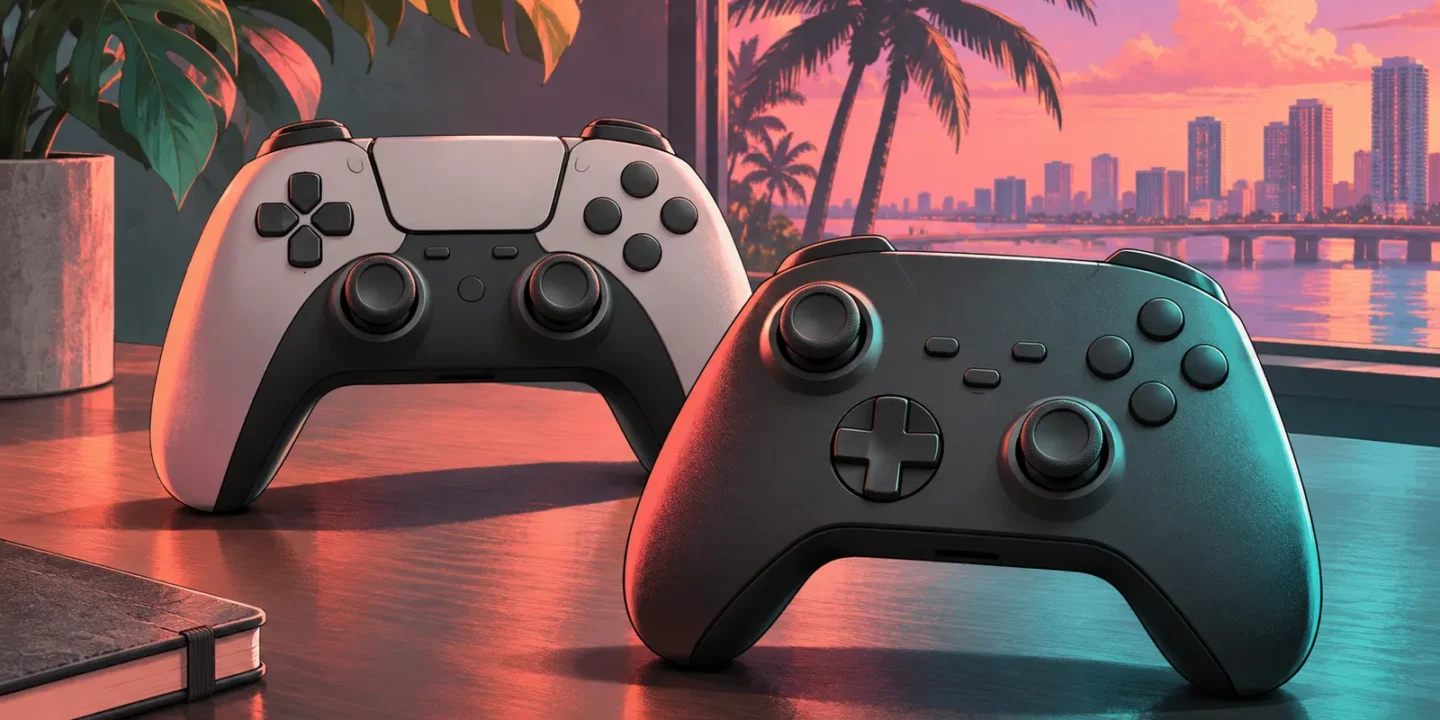
The best controller for GTA 6 is usually the compatible controller you already own and find comfortable. For most PS5 players, that means the standard DualSense. For most Xbox Series X|S players, it means the standard Xbox Wireless Controller. The DualSense Edge and Xbox Elite Wireless Controller Series 2 are upgrade options for people who will use their customization features, especially rear buttons or paddles and saved profiles.
These are recommendations based on official platform compatibility, manufacturer features, and buying criteria. They are not the result of our own GTA 6 latency, battery, durability, or aiming tests. There is no measured “fastest controller” winner here. Start with your console, then identify a real problem you want to solve: reaching a button, keeping a thumb on a stick, changing profiles, or replacing a worn controller. Paying more makes sense when the extra feature addresses that problem; it does not automatically make an ordinary story playthrough better.
Quick picks by platform and need
| Player | Starting recommendation | Reason to consider an upgrade |
|---|---|---|
| Most PS5 players | Standard DualSense | Upgrade only for a specific customization need |
| PS5 players wanting rear buttons and profiles | DualSense Edge | Check that its customization fits your grip and habits |
| Most Xbox Series X|S players | Standard Xbox Wireless Controller | Familiar console-native option with no required premium purchase |
| Xbox players wanting paddles and adjustable controls | Elite Wireless Controller Series 2 | Compare the full bundle with Core and accessory costs |
Choose within your platform first. A controller that connects to a PC or phone through Bluetooth is not thereby a native controller for every console. Product pages often list several supported devices, so read the exact console compatibility rather than interpreting “wireless” as universal support. GTA 6’s official listing identifies PS5 and Xbox Series X|S; this guide focuses on those console setups.
Best starting point for PS5: standard DualSense
The official DualSense page identifies haptic feedback and adaptive triggers among its features, with support depending on the game and connection context. The controller’s value for a typical PS5 owner is straightforward: it is the normal platform controller and does not require buying a premium model to begin playing.
If your existing DualSense works properly, use it before deciding that GTA 6 needs an upgrade. Learn the game’s layout and adjust the options actually available to you. A complaint about camera sensitivity may be solved through settings rather than hardware. A complaint about reach or grip may be more relevant to a controller change. Separating those problems prevents an expensive purchase that leaves the original issue untouched. A second standard controller can also be a more practical purchase than a premium one if your main concern is having a charged spare available.
Best PS5 customization option here: DualSense Edge
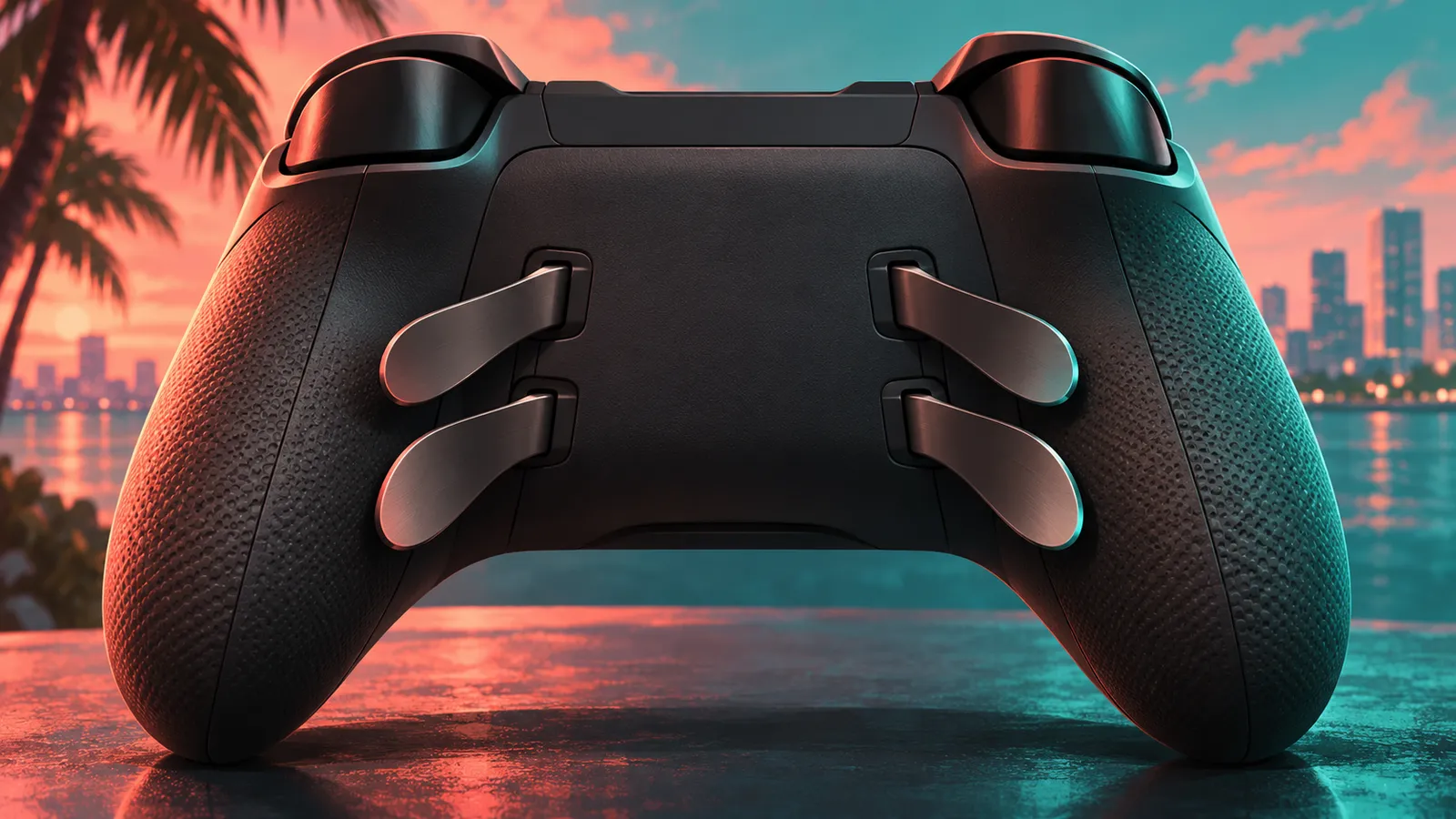
Sony’s DualSense Edge product page describes remapping, saved profiles, and adjustments for sticks, triggers, and vibration. Its personalization support documents back buttons. Sony also provides instructions for replaceable stick modules, with replacement modules sold separately.
The recommendation is conditional: consider Edge if those features solve a recurring control problem and you are willing to configure them. Rear buttons can let a player assign an existing action to a more convenient position, but the exact benefit depends on the game’s available controls and the player’s grip. This guide does not claim a tested GTA 6 “pro profile.” Nor does replaceability mean replacement parts are included indefinitely or available at the same price in every region. Check local module stock, warranty terms, and the complete purchase cost before treating repairability as a decisive advantage.
Best starting point for Xbox: Xbox Wireless Controller
The official Xbox Wireless Controller page lists Xbox Series X|S compatibility, Xbox Wireless connectivity, Bluetooth for supported devices, a Share button, and a 3.5 mm headset connection. It uses AA batteries in the standard configuration described by Microsoft. Battery-life advertising is conditional and should not be read as a promise for your exact headset, battery, and usage pattern.
For an Xbox player with a working standard controller, the sensible first step is to play with it. Learn which actions you use frequently and whether the layout creates a real inconvenience. Premium controls can be helpful, but GTA 6 does not become a better purchase simply because the controller costs more. If your concern is power management, compare the cost of rechargeable batteries or an appropriate battery pack with the price of replacing the whole controller. Solve the actual problem before upgrading an otherwise suitable device.
Best Xbox customization option here: Elite Series 2
Microsoft’s Elite Wireless Controller Series 2 page describes adjustable-tension thumbsticks, trigger locks, remapping through Xbox Accessories, profiles, and interchangeable components. The full bundle lists four paddles and additional accessories. The Core package lists fewer included accessories, so it should not be assumed to include everything pictured beside the full version.
Elite Series 2 is worth considering if you want those customization options across several games and know how you will use them. Its value is less clear if you mainly want a fresh controller for one story campaign. Compare the total cost of the exact bundle, not merely the lowest advertised “Elite” price. If paddles are the reason you are buying, confirm they are in the box or include their separate cost. A cheaper starting package can become a more expensive route when the accessories you actually need are added later.
Rear buttons are a convenience, not a new game mechanic
A rear button or paddle generally gives you another physical place to trigger an assigned action. The useful question is which existing action becomes easier to reach. A player who dislikes moving a thumb away from a stick may value that option; another player may find the extra controls unnecessary or easy to press accidentally.
Begin with one or two assignments rather than filling every available slot immediately. Use a quiet part of the game to learn the change, then test it in ordinary play. If the mapping causes mistakes, revise it rather than assuming that a more complex layout must be superior. This is general setup advice, not a verified GTA 6 control prescription. A good profile guide should name the action, explain the reason for the assignment, and show how to return to the default. Convenience is personal, and the best mapping is one you can use consistently.
Trigger locks involve a tradeoff
A shorter trigger movement can make some actions feel more immediate, but a trigger can also be used for gradual input. Whether a short travel setting is useful depends on how the game maps the action. Driving and shooting may place different demands on the same physical control, so one setting may not suit every part of an open-world game.
Do not shorten every trigger automatically because a product page presents the feature as an upgrade. Check the current game’s behavior and compare the feel with the normal setting. If a controller offers profiles, a separate setup may be convenient, but that convenience still requires you to remember which profile is active. This guide does not claim a measured response advantage in GTA 6. Its recommendation is to treat trigger adjustment as an option to evaluate, not a setting that every player should maximize.
Stick settings should be adjusted gradually
Sensitivity and deadzone settings can change how input feels, but copying another player’s numbers is not a reliable shortcut to a comfortable setup. The controller’s condition, your grip, your preferred camera behavior, and the game’s own options all matter. A hardware profile and an in-game setting can also interact, making it difficult to identify what caused a change.
Change one thing at a time and compare it during a familiar task. Record the original setting so you can return to it. If the camera moves without input, investigate the controller and the available diagnostic guidance rather than assuming a sensitivity tweak is a permanent repair. This article does not provide a tested drift cure or universal aiming configuration. The goal is a predictable setup you understand. A complicated profile that feels different from one session to the next is less useful than a simple, consistent arrangement.
Comfort is more personal than a feature list
Hand size, grip, finger reach, and preferred stick layout can affect comfort. A controller praised by another player may not fit you equally well. If possible, handle the model before purchasing or buy from a seller with a clear return policy. Pay attention to ordinary actions rather than holding it motionless for a few seconds.
Consider whether you can reach the shoulder controls comfortably, whether the rear buttons sit under your fingers naturally, and whether the weight feels acceptable during your usual sessions. Avoid treating a premium finish as evidence of better ergonomics for everyone. If you have a specific access need, investigate platform accessibility options and compatible specialist controllers rather than limiting the decision to the four mainstream choices discussed here. The right purchase is the one that makes the actions you need manageable, not the one with the longest list of features.
Wired versus wireless should be judged by your setup
This guide does not claim that one connection mode has the lowest GTA 6 latency. That would require controlled testing of the exact controller, platform, firmware, and game. A cable can still be useful for practical reasons such as charging, setup, or avoiding a low battery during a long session, but those benefits should not be confused with a measured competitive advantage.
Check that the cable supports the function you need and reaches your seating position safely and comfortably. A charging-only cable may not serve a data task. A stiff or short cable can make a controller less pleasant to hold. Wireless use can be more convenient in a living room, while a wired arrangement may suit a desk. Choose the arrangement that works reliably in your space, then investigate an actual connection problem if one occurs rather than purchasing accessories to solve a hypothetical latency issue.
Compare the total cost, including the bundle
Controller prices and promotions vary by country, retailer, color, and bundle. This article does not quote a universal current price. Before buying, compare the exact model number, included accessories, warranty coverage, return terms, and any replacement parts you expect to need. A sale price on a reduced bundle is not automatically better value than a complete package.
For imported hardware, check who handles warranty service locally and what the seller means by “official warranty.” Do not assume a manufacturer’s terms in another country apply to the transaction in front of you. This is especially relevant when a premium controller costs substantially more than the standard option. Consider how many games you will use it with and how often the extra features will matter. A controller used across a broad library may justify a customization purchase more easily than one bought for a single untested feature assumption.
Avoid game-themed and performance claims without evidence
A special color or licensed design can be worth buying because you like its appearance. That does not establish better aiming, longer battery life, or exclusive GTA 6 controls. Treat cosmetic editions as cosmetic unless the manufacturer explicitly lists a functional difference.
The same caution applies to retailer phrases such as “perfect for GTA 6.” A compatible mainstream controller can be a sensible choice without having been engineered specifically for the game. Look for the exact platform support and the features you want. If an article claims a percentage improvement in aim or response, ask how it was measured. This guide’s recommendations remain criteria-based. The generated illustrations are also conceptual and should not be used to count real product buttons, judge dimensions, or identify the contents of a retail package. Use the linked manufacturer images and specifications for those decisions.
Set up the controller before a long session
After buying, use the manufacturer’s current setup and firmware guidance, then confirm the ordinary buttons and connection before creating a complex profile. Keep the default layout available as a reference. If something feels wrong, compare it with the default before changing several settings at once. This gives you a clear way to distinguish a profile choice from a hardware or connection issue.
For a new premium controller, spend a little time with its extra controls in a familiar task. You do not need to justify the purchase by using every feature immediately. A small improvement that you can use consistently is more valuable than an elaborate configuration that causes mistakes. Keep the receipt and packaging while you assess fit and function, and use the seller’s actual return terms if the controller does not suit your hands.
Frequently asked questions and final choice
Do I need a premium controller for GTA 6? This guide provides no reason to replace a working standard controller solely for the game. Is Edge the PS5 upgrade choice here? Yes, for players who specifically want its customization. Is Elite Core the same package as the full Series 2 bundle? No; compare the included accessories before purchasing. Does Bluetooth mean cross-console compatibility? No; check the exact supported console.
Which controller is fastest? No latency testing was performed, so no speed winner is claimed. What should most players buy? Keep a comfortable, working standard controller, or choose the standard model for your console if you need a replacement. Upgrade when a named feature solves a real problem. If storage is the actual obstacle to playing, our GTA 6 storage guide addresses that purchase separately. A deliberate choice will serve you better than buying the most expensive accessory before discovering what you need.
Related guides
- GTA 6 Controller: The Official GTA VI DualSense Limited Editions for PS5
- How to Remap GTA 6 Controls on PS5 and Xbox
- GTA 6 Xbox Controller Setup: Accessories Profiles, Firmware and Testing
- GTA 6 Camera Moves by Itself? How to Check for Controller Drift
- Best Headset for GTA 6: What to Look For on PS5 and Xbox
- Best Monitor for GTA 6: What Matters on PS5 and Xbox