


The best monitor for GTA 6 is a compatible screen that suits your viewing distance, budget, room, and wider game library. For many desk setups, a 27-inch or 32-inch 4K display is a sensible category to compare. A good 4K 60 Hz screen can be enough for a player focused on GTA 6, while a 4K high-refresh model can add flexibility for other supported games and a connected PC. Paying for 240 Hz does not make GTA 6 render at 240 FPS.
Rockstar’s pre-load announcement states a 30 FPS target. That should shape the purchase more than an untested promise of a special monitor advantage. The recommendations below are based on official platform capabilities and manufacturer specifications, not our own GTA 6 monitor tests. No universal current price, lowest-latency winner, or measured HDR ranking is claimed. Start with the features you will actually use and verify the exact regional model before buying.
Practical choices by need
| Need | Category to compare | Manufacturer example |
|---|---|---|
| 32-inch 4K IPS desk display | High-refresh 4K with verified console input support | LG 32GR93U-B |
| 27-inch 4K IPS setup | Smaller 4K screen with console-focused compatibility information | BenQ MOBIUZ EX2710U |
| Premium 32-inch OLED option | 4K QD-OLED, with room and warranty considerations | Alienware AW3225QF |
| Primarily GTA 6 on a limited budget | Suitable 4K 60 Hz or compatible lower-resolution display | Compare local models by actual inputs and image quality |
These are examples to investigate, not a claim that they are the newest products or the best-priced stock in your country. A model with a larger specification sheet can still be a worse purchase if you will not use its extra features or if its local support is poor.
Choose the size around the space
A screen that works well at a desk can feel too small from a sofa, while a large display can be uncomfortable when it sits too close. Begin with the distance and the space available for the stand, console, and normal posture. Do not choose size only because it appears in a universal gaming ranking.
If possible, view a similar-sized screen at your normal distance. Check whether you can read interface text comfortably without leaning forward and whether the whole image is easy to take in. Adjustable height and a suitable stand can matter as much as a small difference in advertised response time. If you plan to use an arm, verify the model’s mounting specification and weight. These are practical fit questions, not GTA 6 performance measurements. A comfortable setup will serve long sessions better than a technically impressive display placed at an awkward height or distance.
Resolution is an output choice, not a performance guarantee
Sony’s video-output guide documents supported output settings and display checks, including a test for 1440p capabilities. A console output resolution describes the signal sent to the screen; it does not by itself establish the game’s internal rendering resolution or unlock a new frame-rate mode.
Choose resolution for the image and uses you want, then verify the console’s detected mode. A 4K panel can be attractive for detail and general use, while a compatible 1440p screen may fit a tighter budget. Do not assume a lower output resolution automatically improves GTA 6 performance. The FPS guide explains that distinction. A useful buying guide should state what the monitor accepts over HDMI and what the console reports, rather than presenting the panel’s native resolution as proof of every game’s actual render path.
Refresh rate matters across the library
A high-refresh monitor can be useful for games that support higher frame rates and for a connected PC. That is a legitimate reason to buy one even when GTA 6’s stated target is lower. The mistake is turning that broader flexibility into a promise that this game will supply extra unique frames.
For a GTA-focused purchase, decide whether the premium serves other games you actually play. A 144 Hz or 240 Hz specification may be valuable for the rest of the setup while contributing little to the specific question of a 30 FPS target. Check supported console modes over the input you will use; a monitor’s highest advertised refresh can refer to a different connection or resolution. The relevant purchase is the complete supported mode, not the largest number printed beside the product name. Keep that distinction clear when comparing two apparently similar models.
HDMI compatibility needs more than a label
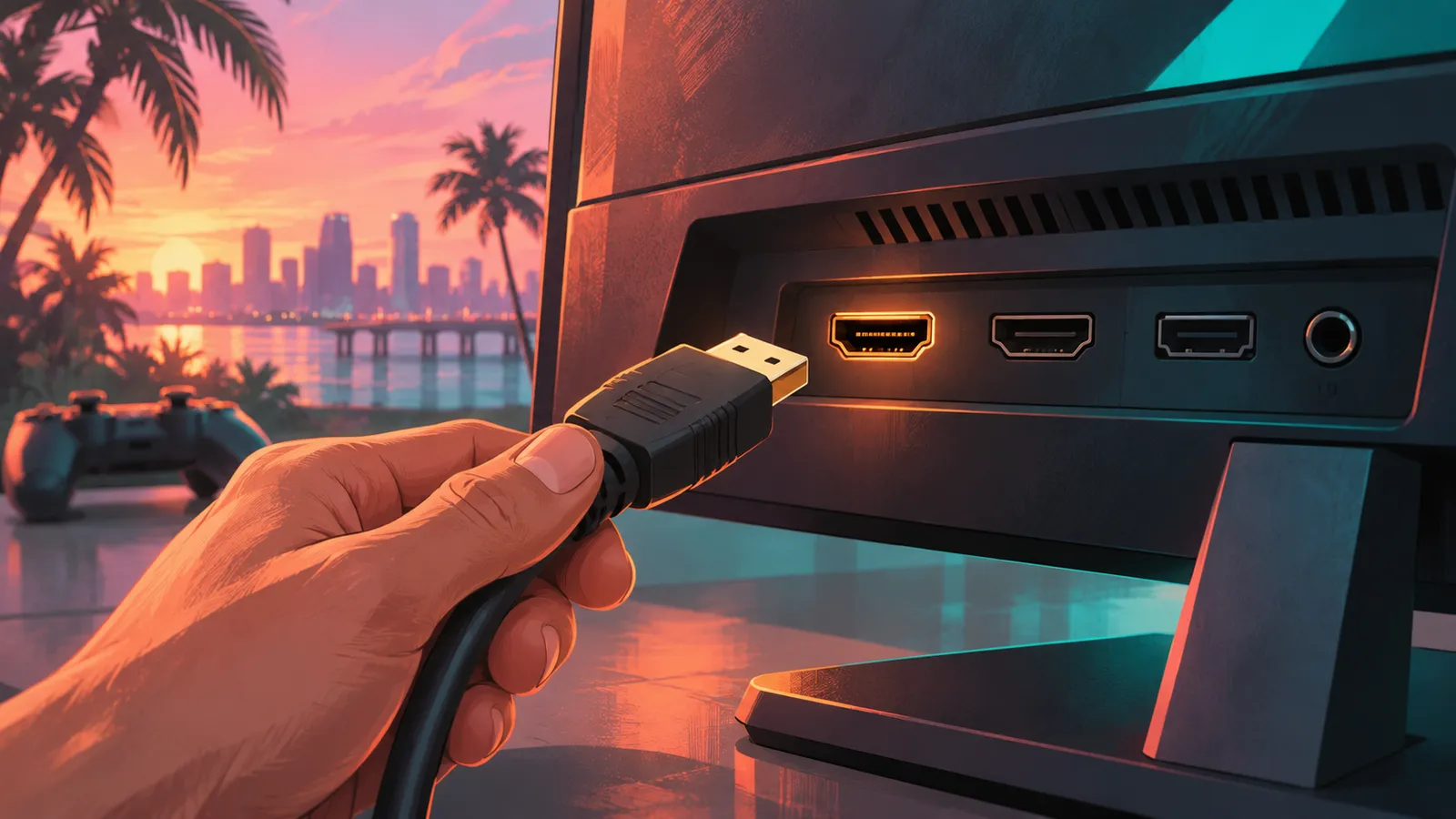
Check the manufacturer’s timing table and console compatibility information for the exact model. Resolution, refresh, HDR, and VRR support can depend on the input and mode. An HDMI label should not be treated as a substitute for confirming the combination you need.
Use the console’s capability screen after connecting it, and begin with the appropriate supplied or certified cable. Intermediate devices such as receivers, switches, or capture hardware can change what the system detects, so test a direct connection if a supported mode is missing. This is a compatibility check, not a claim that a more expensive cable improves rendering quality in every setup. If you already have a working cable for the required mode, replace it only for a reason. A good monitor recommendation explains the actual supported signal and the path used to obtain it.
VRR support must match the console
VRR is not identical across every display connection and product. Check the console-specific documentation rather than assuming a PC-focused adaptive-sync logo guarantees the behavior you want on PS5 or Xbox. BenQ’s PS5 compatibility FAQ is an example of useful model-specific information, listing supported products rather than making a vague brand-wide promise.
Also use current sources. Sony added 1440p VRR support through a system software update, so an old launch-era video saying that combination is unavailable can be outdated. VRR still should not be advertised as a guaranteed repair for every 30 FPS game or every hitch. The operating range and game behavior matter. Buy for verified compatibility and compare the result in your own setup, not for a promise that the feature eliminates every performance limitation.
IPS and OLED are different purchase choices
An IPS option and an OLED option can both be useful, but they bring different image characteristics, room considerations, and ownership questions. Do not reduce the choice to a single advertised response-time number. Look at the complete product, including how it handles your ordinary mixed use and what the local warranty covers.
For an OLED purchase, read the manufacturer’s current panel-care guidance and the exact regional coverage for image-retention or burn-in concerns. This guide does not invent a universal warranty term. For an IPS purchase, evaluate the image and stand rather than assuming every model in the category looks identical. If you can, see the display under lighting similar to your room. A product photograph viewed on another screen is not a reliable comparison of contrast or HDR. The panel category helps organize the decision, but a useful recommendation still needs the exact model and your intended use.
HDR deserves a specific explanation
HDR support means more when a review or specification explains the display’s actual capabilities. A compatible signal alone does not guarantee an equally convincing image across all monitors. This guide does not rank the examples by measured HDR brightness, dimming performance, or accuracy because no display testing was performed.
For your setup, use the console’s calibration and the monitor’s current guidance. Avoid copying a brightness number from another room and assuming it is ideal. If the image looks washed out or difficult to read, verify that the intended mode is active before changing several unrelated options. A buying decision should consider whether HDR is a priority for you or simply a supported feature. Do not pay a large premium for a marketing word without understanding the implementation. A clear SDR image can be preferable to a poorly configured HDR presentation, and calibration should be judged against the actual display.
Example 1: LG 32GR93U-B
LG’s official product page identifies a 32-inch 4K UHD gaming monitor with a 144 Hz specification and HDMI 2.1 connectivity. That makes it a relevant example for a buyer comparing a larger desk-focused 4K option with flexibility beyond GTA 6’s stated target.
This is a specification-based shortlist entry, not a claim that it has the lowest input lag or best HDR in the market. Check the exact local SKU, current manual, supported console modes, stand fit, and warranty before buying. Compare its price with alternatives available where you live rather than treating an old review’s price as current. If the larger size does not fit your normal distance, a smaller screen may be a better purchase even if the specification list is similar. The right choice combines compatibility with physical comfort and a price you are willing to pay for the features you will use.
Example 2: BenQ MOBIUZ EX2710U
BenQ’s official EX2710U page presents a 27-inch 4K IPS high-refresh model, and its linked compatibility material discusses console support. It is a useful example for someone who prefers a smaller desk screen and wants manufacturer documentation addressing PS5 and Xbox behavior.
Check the complete feature set and local availability rather than assuming the product name alone makes it the best value. A smaller 4K display may suit your workspace, but interface readability still depends on distance and personal needs. This guide does not claim that its speakers, HDR processing, or response-time modes were tested in GTA 6. Use the manufacturer’s exact timing information and a reliable measured review if those details drive your purchase. The recommendation here is to investigate it as a compatibility-focused example, not to buy it without comparing the price, support, and fit of alternatives.
Example 3: Alienware AW3225QF
Dell’s official AW3225QF listing identifies a 32-inch 4K QD-OLED model with a 240 Hz specification and HDMI 2.1 inputs. That makes it a premium category example, particularly for a setup that also uses a capable PC. The 240 Hz figure is not a GTA 6 frame-rate claim.
Before choosing it, consider the curved format, desk fit, panel-care requirements, and current local warranty. A premium panel can be appealing without being necessary for enjoying the game. This guide does not declare it the best HDR or lowest-latency choice because no comparative measurement was performed. If you mainly play GTA 6 and do not need the broader features, a less expensive suitable screen may be the more sensible purchase. Buy the complete product for your complete setup, not a refresh number that the game’s stated target does not use.
Xbox setup and capability checks
Xbox Wire’s display guidance explains the console’s TV and display options and the 4K details screen. Use that detected capability information alongside the monitor manual. A mode missing from the screen can concern the connection path or configuration rather than a defect in the panel.
Test a supported direct connection before involving a switch, receiver, or capture device. Keep a record of the original settings and change one thing at a time. Do not assume that enabling every video option produces the best result for every display. The useful goal is a stable supported mode with an image and response you like. If a feature produces flicker or signal loss, return to the last working setup and investigate the exact combination. That is more productive than buying another cable or monitor before identifying what the current equipment actually supports.
Compare total cost and support
Include the stand or arm, audio needs, cable requirements, delivery, and warranty service in the comparison. A monitor with an attractive headline price can become less convenient if you need several extra purchases or cannot obtain local support. This article does not quote a universal current price because regional stock and promotions change.
For imported hardware, read who handles service and what the seller’s warranty actually means. Keep the receipt and packaging while checking compatibility and panel condition under the return policy. Do not rely on a warranty description from another country without verifying its applicability. The controller and storage guides keep those purchases separate, so a monitor decision does not become an unnecessary full setup replacement. Spend on the limitation you actually have. A comfortable existing display that supports your needs can remain the best-value choice.
Check the purchase while the return window is open
After setup, verify the intended console modes, text readability, stand adjustment, audio path, and ordinary play comfort. Use the manufacturer’s current instructions and keep the packaging until you are satisfied that the product suits the space. If a promised mode is missing, document the direct connection and detected capabilities before deciding whether the issue is configuration or compatibility. A return policy is useful only when you understand its dates and conditions, so read those terms before buying. This practical check matters more than discovering an untested benchmark advantage that was never part of the purchase promise.
Frequently asked questions
Does GTA 6 require a 120 Hz monitor? The stated target does not establish that requirement. Will 240 Hz improve the game’s rendered FPS? No; panel refresh does not create a new game mode. Can a 4K 60 Hz screen be sensible? Yes, depending on your wider needs and the actual supported setup. Is 1440p VRR on PS5 permanently unsupported? Old sources can be outdated; use current Sony guidance.
Which model is the measured winner here? None; the shortlist is based on specifications and use cases. Should you replace a working display? Only if a specific limitation justifies the cost. Match size, compatibility, image preferences, and support to your room and library. That gives you a stronger GTA 6 monitor choice than buying the highest refresh rate or the most expensive panel without knowing what benefit you expect.