


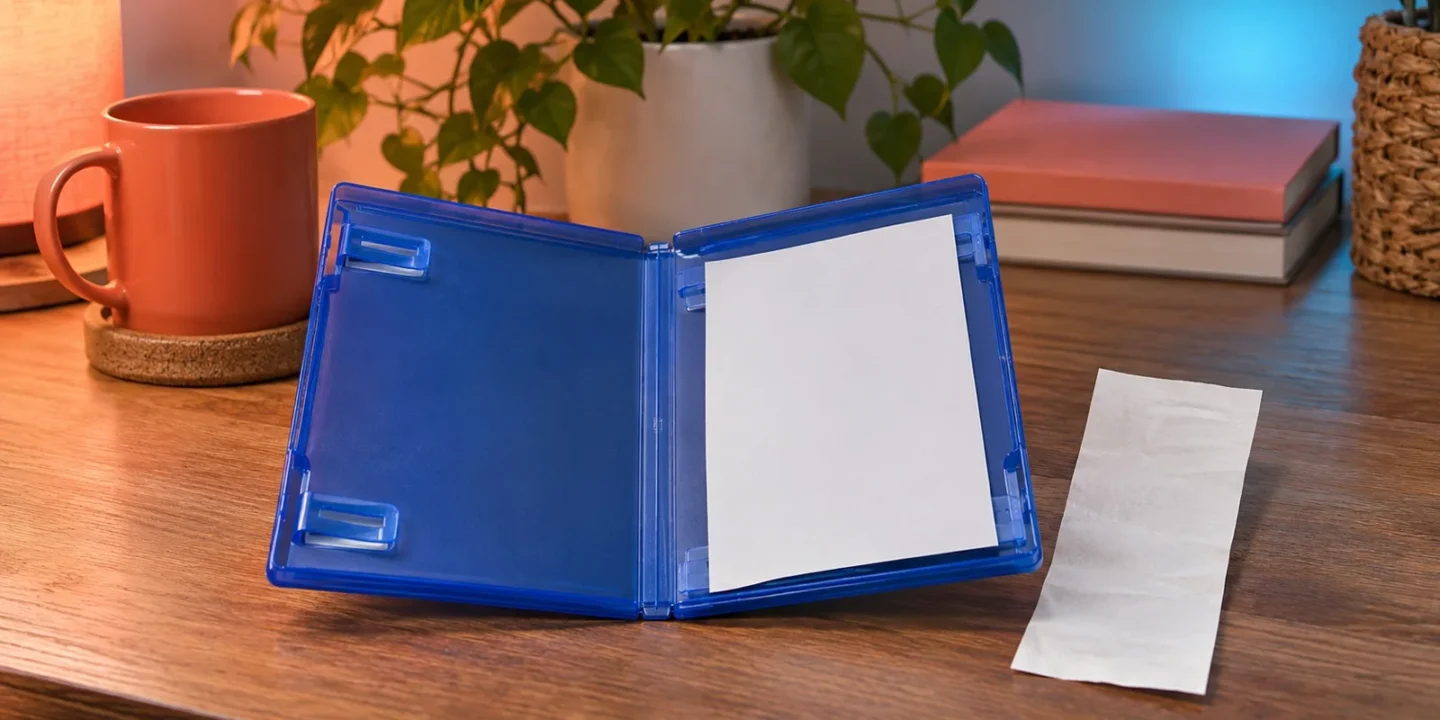
If your new GTA 6 box has no readable download code, keep the packaging and proof of purchase, inspect the supplied materials carefully, and contact the retailer with a precise description of what is missing or damaged. Rockstar’s launch information describes a code-in-box product, not a disc installation. Cleaning a disc drive or reinstalling console software will not supply a missing printed code.
PlayStation’s GTA VI support page specifically directs buyers with missing or unreadable codes to the retailer. Start there for that product problem, while using platform support for an error involving a readable code or an existing account entitlement. Official GTA VI packaging and retailer guidance
Confirm what you actually ordered
Open your order confirmation and read the exact item description. Identify the platform, edition, seller, and delivery type. A boxed game, a digital code delivered separately, a collectible item, and an accessory bundle can appear in similar search results. Your receipt establishes which product the seller agreed to provide.
Save a copy of the listing if it remains available. Include the part that describes the supplied game access, not only the large promotional image. Pictures can show a game case without explaining whether a code is included, how it is delivered, or which platform it belongs to. A clear listing record makes a support conversation more focused.
If somebody bought the product as a gift, ask for the order reference or gift receipt. You do not need their password or payment-card details. The useful information is the purchase record and seller, which can help the retailer locate the transaction without exposing the purchaser’s account.
Understand the launch packaging before looking for a disc
Rockstar’s official product information says that the advertised physical launch version contains a download code and no disc. That means a case arriving without an optical disc is not, by itself, evidence of an incomplete order. The missing element to investigate is the promised access code. Rockstar GTA VI preorder details
Do not assume a future product will have identical contents. If you are reading this after another edition is announced, compare its exact listing. This guide addresses the launch code-in-box arrangement documented in the sources, rather than claiming that every possible later release will use the same packaging.
Keep that distinction in your message to support. Saying the box has no disc can produce an answer explaining the expected product. Saying the supplied code cannot be found after checking the included materials identifies the unresolved problem much more clearly.
Inspect the materials without damaging them
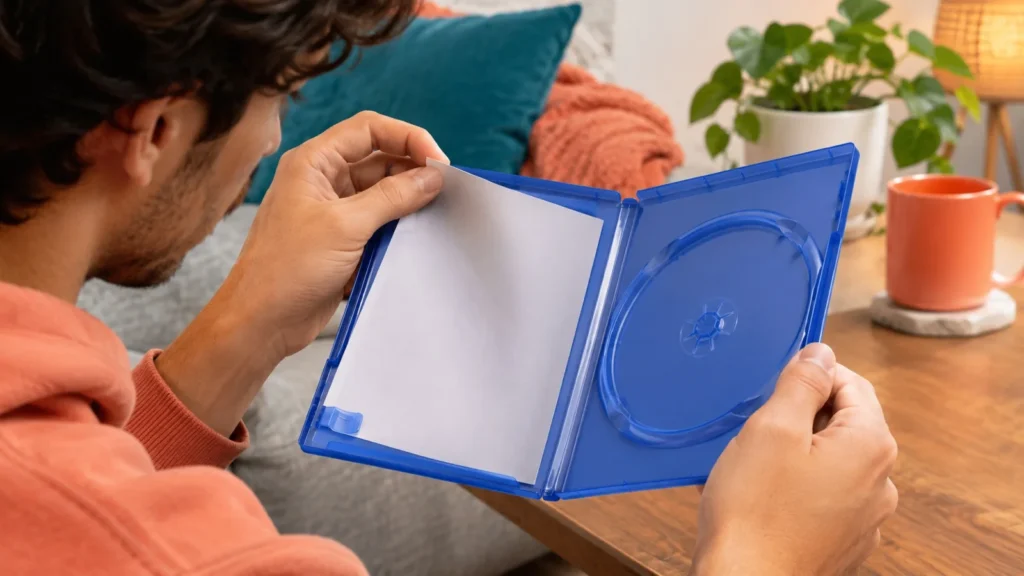
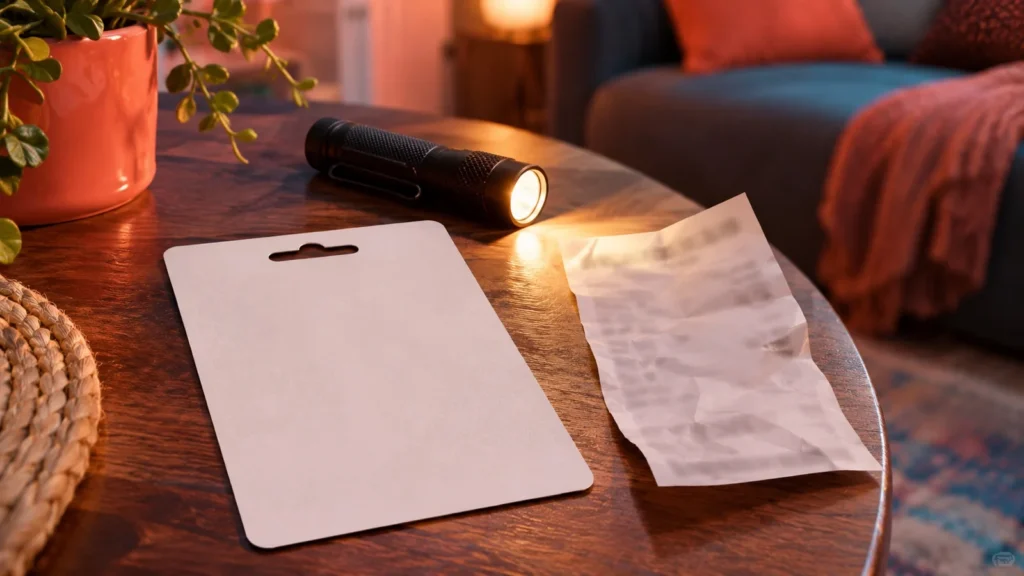
Work in good light and keep all the original contents together. Look at the case, inserts, inner sleeve, receipt, and any delivery instructions supplied with the purchase. Follow printed directions rather than assuming that the code must be on a loose card identical to another game’s voucher.
Do not tear apart packaging, scrape an unmarked area, or discard an apparently blank insert before the issue is resolved. If text directs you to another location, inspect that location carefully. If a protective covering is clearly intended to be removed, follow its instructions gently. This article does not prescribe scratching a particular part of GTA 6 packaging that has not been verified for your copy.
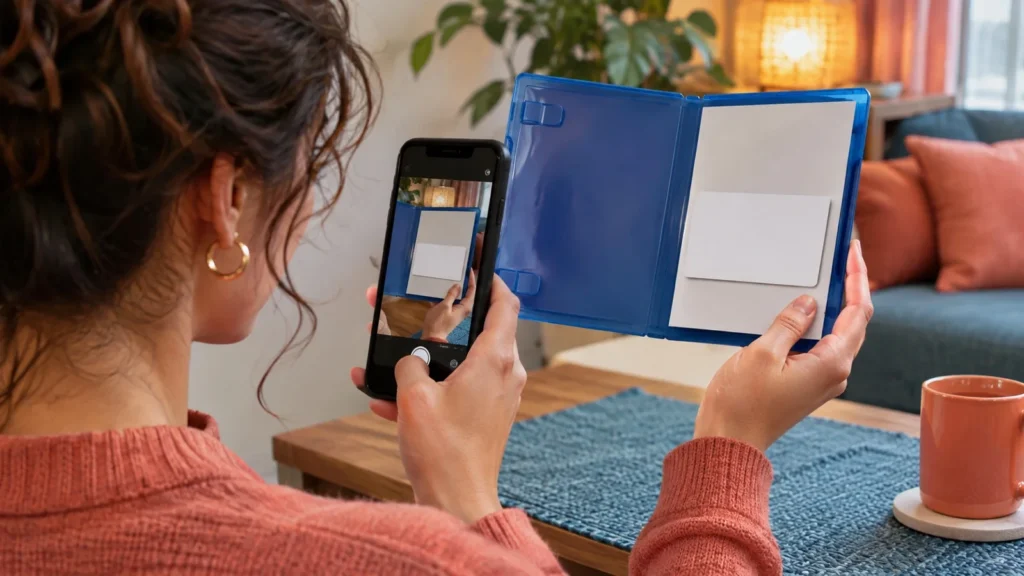
Take an overall photograph before moving pieces around if that helps you record what arrived. Keep a private, unedited set for the retailer. When sharing a public example, obscure any potential code and personal purchase details. An apparently unused voucher should be treated as private even while you are uncertain whether it works.
Distinguish absent, damaged, and rejected codes
An absent code means you cannot locate the promised printed or delivered credential. An unreadable code means the relevant print exists but some characters cannot be identified. A rejected code means you can read and enter it, but the platform returns an error. Those conditions lead to different support questions.
For missing material, describe what the package contained and what directions you followed. When the printing is damaged, identify the damage without posting the readable portion. For a rejected code, preserve the exact platform message and consult the code-error guide. Do not call a regional restriction a printing defect, or a temporary service failure a missing voucher.
If the code is readable but the console already shows the game in your library, check whether it was redeemed earlier. The next task may be downloading the entitlement rather than finding another piece of paper. Keep purchase access separate from whether the installation has finished or the game’s release time has arrived.
Preserve proof of purchase and product identity
Create a small case folder containing the order confirmation, receipt, seller name, delivery date, and photographs of the packaging. Include the platform and edition shown on the item. You can also keep a private note of any product or batch identifier visible on the box, without assuming that every identifier is required.
Do not send your entire shopping-account history when a single receipt answers the question. Crop or redact unrelated purchases for public discussion. If the retailer requests a full document through its official support process, follow the stated requirements while avoiding unnecessary exposure elsewhere.
Record the sequence honestly. If the package arrived sealed, say so. If you opened it before photographing it, say that too. Do not stage an unboxing or claim that a later photo proves an earlier condition. Accurate evidence is useful even when it cannot establish every detail of the original delivery.
Contact the retailer with a concrete request
Use the retailer’s official order-support route. State the product, order reference, delivery date, and whether the code is absent or unreadable. Explain the inspection you completed. Ask them to confirm the intended code location and the available resolution for the supplied item.
Avoid demanding a specific outcome that their staff have not yet assessed. Replacement, recovery of a receipt-printed code, further verification, or another remedy depends on the transaction and their process. This guide does not promise a refund or replacement deadline. Your goal is to provide enough information for a decision without repeating the same vague description.
A concise opening might say that your GTA VI code-in-box order for a named platform arrived on a stated date, but no readable code was found after checking the supplied materials. Attach the relevant proof privately if requested. Keep the correspondence and case reference so the next agent can see what has already been established.
When platform support is also relevant
A readable code that returns a platform error belongs in a different diagnostic branch. Check the exact error, account, platform, and region. PlayStation’s general voucher guidance distinguishes damaged codes, receipt-printed codes, previously redeemed vouchers, and activation issues. For receipt-printed codes it directs users to the retailer; other damaged-voucher cases may need platform assistance with proof and images. PlayStation voucher troubleshooting
For the GTA VI missing-code case, keep the game’s specific retailer direction as your starting point. If the retailer redirects you, retain that response and provide it to the next official support team. Do not send the same unstructured request to many public accounts and assume they all have authority to replace a product.
On Xbox, use Microsoft’s official redemption and support route for a readable Xbox download code. Microsoft advises contacting the retailer when the wrong code was purchased. Microsoft code-redemption guidance
Do not guess a damaged code publicly
If several characters are unreadable, preserve the voucher and ask the appropriate official support team what evidence they need. Repeatedly guessing combinations can generate confusing errors and does not establish what was originally printed. Sharing the visible characters with strangers also exposes part of a credential that may still be usable.
Be cautious about a person offering to recover a code through remote access, an account login, or a payment outside the seller’s process. You do not need to hand over your console account to explain a packaging problem. Use the official seller or platform route and retain control of your account.
If you already posted a photo containing a full code, remove the exposure where possible and tell support accurately what happened. Do not assume that a code is safe because the post received few views. The support question remains whether the credential can be validated or replaced through an authorized process.
Handle gifts and secondhand boxes carefully
A gift purchaser may have the strongest purchase record, while the recipient has the packaging. Combine those pieces without exchanging passwords. Ask the purchaser to contact the retailer if the support process requires the buying account. Keep the recipient informed so neither person repeatedly attempts a damaged or uncertain code.
For a secondhand box, establish what the seller represented. A collectible case with an already-used code is different from a listing promising a usable game. The outer case alone is not proof that an unredeemed digital entitlement is included. Save the listing and discuss the discrepancy through the marketplace’s official process if applicable.
Do not buy another box immediately because the first one lacks a usable code. First clarify the status of the existing transaction. A second purchase can leave you with duplicate access and a more complicated dispute if the original seller later resolves the problem.
Follow up without losing the case history
Keep one short timeline. Note the purchase, delivery, first inspection, support contact, and each response. If the retailer asks for another photograph, add it to the same case materials. This makes it easier to distinguish a new request from a repeated question and helps you answer consistently.
When following up, quote the existing reference and summarize the remaining issue in one sentence. Avoid starting from the beginning in every message unless the new support route requires it. State which evidence has already been supplied and ask what specific information is still missing.
If the seller gives a proposed resolution, read what it covers before accepting or sending anything back. Preserve the requested materials and follow their return instructions where applicable. Do not destroy the voucher or packaging until you know whether it is needed to complete the process.
Worked example: a gift arrives with unreadable printing
Imagine a relative buys you a new code-in-box copy. You can identify the intended code area, but part of the print is damaged. First photograph the packaging privately and leave it unchanged. Ask your relative for the gift receipt or order reference, then contact the retailer through the original purchase channel.
You describe the platform, edition, delivery date, and unreadable section without posting the full credential. The retailer confirms which materials it needs. You provide the requested evidence and keep the case number. If you are redirected to platform support, you include the retailer’s response and the same purchase record.
While waiting, you do not reset the console, clean a nonexistent game disc, or pay a stranger to activate the copy. None of those actions addresses the missing information on the supplied product. The useful work is preserving the evidence and getting the responsible seller to assess it.
Verify any replacement before closing the case
If the retailer supplies another code or replacement package, keep the original case reference until the new access has been checked. Confirm the platform and intended account before redemption. Read any product preview and save the confirmation through the official platform process.
Then check the account’s library. Successful redemption, a queued download, a completed installation, and permission to start at the scheduled release are separate stages. If the code is accepted but the download later stops, describe that as the new problem rather than reopening the missing-printing claim unchanged.
Tell the retailer accurately which part is now resolved. You might confirm that a readable code was supplied and redeemed while asking platform support about a separate queue error. Keeping the stages distinct avoids confusing a completed replacement with an unrelated technical issue.
Preserve receipts and correspondence according to your normal purchase-record habits. Do not keep the full credential in a public note or share it as proof that support helped. A redacted confirmation is enough for a general account of the outcome, while the original evidence can remain private if it is needed again.
Questions about missing GTA 6 box codes
Is a box without a disc automatically defective?
No. Rockstar’s documented launch packaging uses a download code. Check whether the promised code is present and readable. The physical-versus-digital buying guide explains that product distinction; this page addresses a supplied code that cannot be located or read.
Can a console reset reveal the missing code?
No. A reset does not recreate a printed purchase credential and can affect unrelated data. Preserve the packaging and purchase evidence instead. If you already redeemed a readable code, check the correct account’s library and transaction record before assuming you need another one.
What should I send first?
Start with a concise description, platform, edition, order reference, and whether the code is missing or unreadable. Supply photographs and proof through the official private process when requested. Keep full codes, account passwords, and unrelated personal information out of public posts.
Related guides
- How to Redeem a GTA 6 Download Code on PS5 or Xbox
- GTA 6 Code Region Error on PS5 or Xbox: Check the Product Before Redeeming
- How to Report a GTA 6 Problem: Error Codes, Crash Evidence and the Right Support Team
- All GTA 6 fixes and troubleshooting guides
- GTA 6 Physical vs Digital: Does the Box Include a Disc?
- GTA 6 Standard vs Ultimate Edition: What Is the Difference?
- Bought GTA 6 but Cannot Find It on PS5? Check Your Purchase and Library