Illustration.

Topic

Console Settings

Audio, display, controller, streaming and capture settings on PS5 and Xbox, checked step by step.

Confirmed facts are separated from reports, estimates and speculation. How we verify

29 published articles

29 articles · page 2 of 3

Adult reviewing a household console setup.
Guides Officially Confirmed

PS5 Family Controls for a Household With GTA 6

If GTA 6 is installed on a shared PS5, use separate adult and child accounts and review each child’s game-access restrictions through the family manager. A…

  • 11 min read
  • PS5
Adult and teenager reviewing a tablet at a table.
Guides Officially Confirmed

Xbox Family Settings for a Household With GTA 6

Use separate adult and child Xbox accounts, identify the family organizer, and review the child’s content, purchase, and time permissions before testing GTA 6 access. Ownership…

  • 10 min read
  • Xbox Series X|S
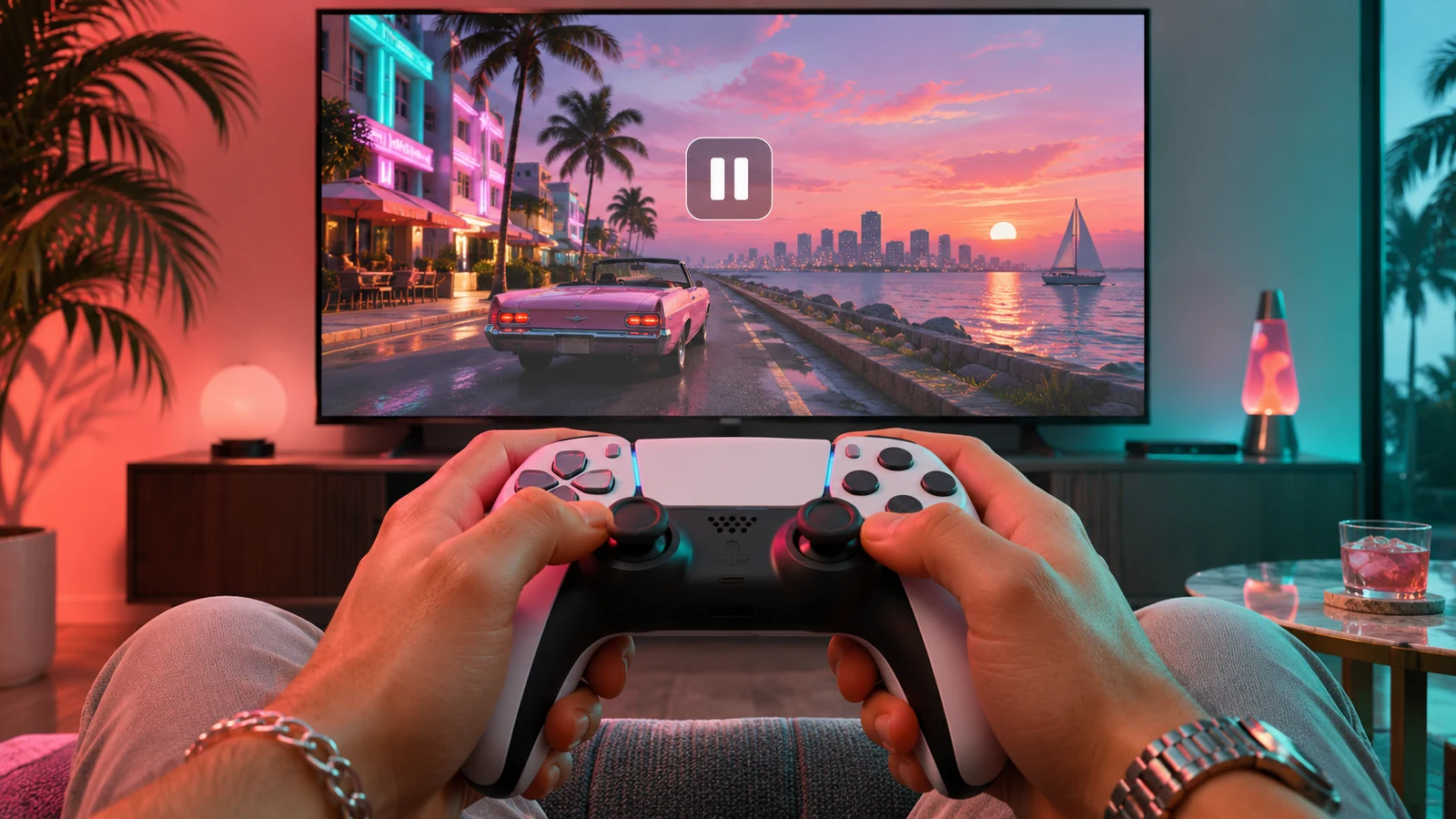
Hands holding a controller in front of a TV showing a driving scene to capture.
Guides Officially Confirmed

How to Record GTA 6 Clips and Screenshots on PS5 or Xbox

How to record GTA 6 clips and screenshots on PS5 or Xbox: save the last moment, start a manual recording, then find and check the clip.

  • 7 min read
  • PS5 · Xbox Series X|S
Hands holding a controller with arrows showing two face buttons being swapped.
Guides Officially Confirmed

How to Remap GTA 6 Controls on PS5 and Xbox

How to remap GTA 6 controls: use the game’s own settings first, then PS5 Custom Button Assignments or the Xbox Accessories app.

  • 7 min read
  • PS5 · Xbox Series X|S