Skip to content

Independent Fan Resource Not affiliated with Rockstar Games or Take-Two Interactive.

GTA 6 Help HubGTA 6 Help Hub
  • Launch
    • Editions
  • Fixes
    • PS5
    • Xbox Series X|S
    • Storage
  • Guides
    • Vehicles
    • Missions
    • Money
    • GTA VI Online
  • Tools
  • Gear
  • Updates
Launch Centre

Independent Fan Resource Not affiliated with Rockstar Games or Take-Two Interactive.

Launch Centre

Archive

Category: Uncategorized

Laptop showing an original landscape video beside a USB drive.
Guides Officially Confirmed November 17, 2026

Back Up GTA 6 Xbox Clips and Screenshots Before They Expire

To preserve a GTA 6 clip from Xbox, make a copy in an archive you control and open that copy before deleting the original.…

Read
Television with an illustrative pause symbol over a landscape.
Fixes Officially Confirmed November 17, 2026

GTA 6 on Xbox After a Long Break: Quick Resume and Fresh-Launch Checks

If GTA 6 behaves differently after returning to an existing Xbox session, compare that result with a normal fresh launch. First save using the…
Read
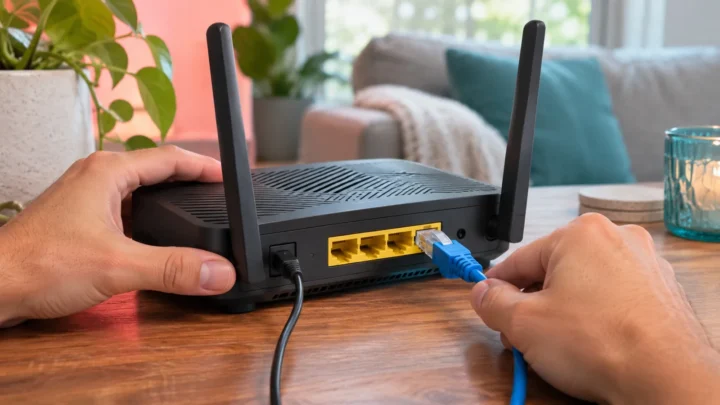
Home router and Ethernet cable in daylight.
Fixes Officially Confirmed November 17, 2026

GTA 6 Slow Download on Xbox: A Network Test You Can Repeat

If GTA 6 downloads slowly on Xbox, compare the active queue with a console network test before changing settings. Record the time, connection type,…
Read
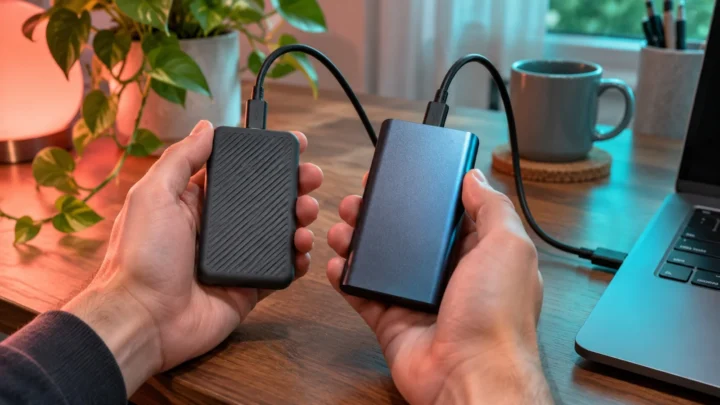
Two portable USB SSDs with cables.
Guides Officially Confirmed November 17, 2026

GTA 6 Xbox Storage Plan: Internal SSD, Expansion Card or USB Drive?

For a native Xbox Series installation of GTA 6, choose storage the console can use to run the game, then compare its free capacity…

Read
Analog clock and amber lamp in a quiet living room.
Guides Officially Confirmed November 17, 2026

GTA 6 Xbox Overnight Downloads: Sleep, Shutdown and Active Hours

To prepare an Xbox for GTA 6 downloads while you are away, check the queue, selected power mode, update settings, storage, and home network…
Read
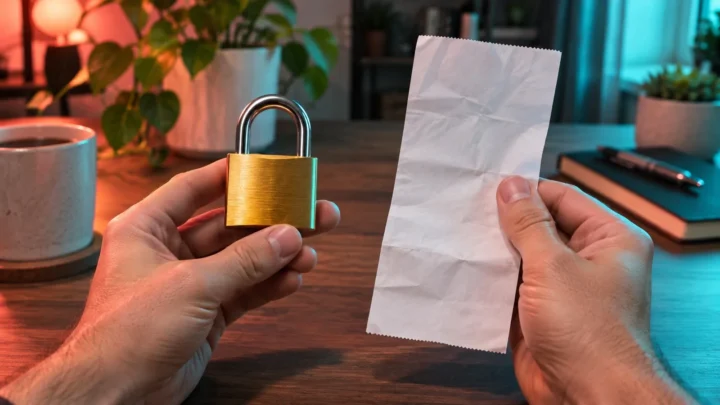
Brass padlock beside an illustrative purchase receipt.
Fixes Officially Confirmed November 17, 2026

GTA 6 Says You Need to Own It on Xbox? Check Home Xbox and Account Access

If Xbox asks you to buy GTA 6 or sign in with its owner, identify the account that purchased or redeemed the game before…
Read
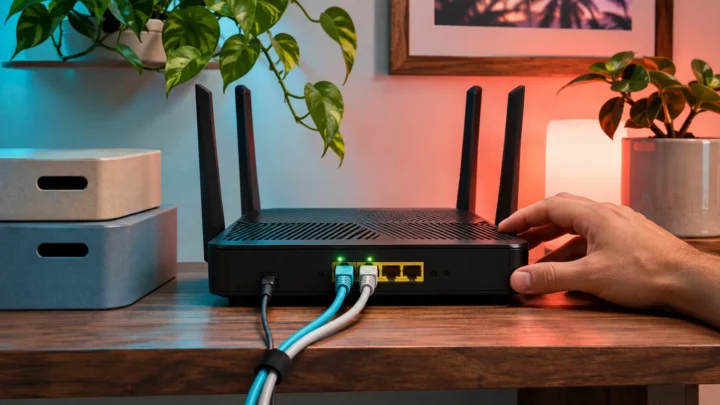
Router with two connected Ethernet cables on a desk.
Guides Officially Confirmed November 17, 2026

Move GTA 6 Between Xbox Series Consoles: Network and Storage Transfer

To move GTA 6 to another Xbox Series X or Series S, plan the software transfer and saved-progress check separately. You can use supported…

Read
Cloud-shaped lamp beside a progress notebook.
Fixes Officially Confirmed November 17, 2026

GTA 6 Xbox Cloud Saves: Protect Progress and Resolve Sync Conflicts

If GTA 6 on Xbox asks which saved data to use, stop long enough to identify the console containing the progress you actually want.…

Read
Hands holding a controller in front of a TV showing a driving scene to capture.
Guides Officially Confirmed November 17, 2026

How to Record GTA 6 Clips and Screenshots on PS5 or Xbox

How to record GTA 6 clips and screenshots on PS5 or Xbox: save the last moment, start a manual recording, then find and check…

Read
Hands holding a controller while the TV shows a paused driving scene.
Fixes Officially Confirmed November 17, 2026

GTA 6 Input Lag on PS5 or Xbox? How to Check Your TV Setup

GTA 6 input lag on PS5 or Xbox? Check TV Game Mode and ALLM, remove HDMI switches from the chain, and test your controller…

Read

Posts navigation

Previous 1 … 17 18 19 20 Next
GTA 6 Help HubGTA 6 Help Hub

Launch information, console troubleshooting, practical guides and player tools — checked against sources before anything is published.

Independent Fan Resource

Confirmed facts are separated from reports, estimates and speculation. How we verify

  • Contact & corrections

Explore

  • Launch
  • Fixes
  • Guides
  • Updates

Tools & gear

  • Player tools
  • Gear
  • Storage
  • Editions

Editorial

  • About
  • Editorial policy
  • Sources & verification
  • Corrections
  • Contact

GTA 6 Help Hub is an independent fan resource. It is not affiliated with, endorsed by or sponsored by Rockstar Games or Take-Two Interactive. Grand Theft Auto, GTA, GTA VI and related names, logos and marks belong to their respective owners and are used here only to identify the games we write about. Full disclaimer

© 2026 GTA 6 Help Hub. Fan-made and independently run.

  • Privacy
  • Image credits
  • Terms
  • Affiliate disclosure
  • Copyright / DMCA
  • Disclaimer