Skip to content

Independent Fan Resource Not affiliated with Rockstar Games or Take-Two Interactive.

GTA 6 Help HubGTA 6 Help Hub
  • Launch
    • Editions
  • Fixes
    • PS5
    • Xbox Series X|S
    • Storage
  • Guides
    • Vehicles
    • Missions
    • Money
    • GTA VI Online
  • Tools
  • Gear
  • Updates
Launch Centre

Independent Fan Resource Not affiliated with Rockstar Games or Take-Two Interactive.

Launch Centre

Archive

Category: Uncategorized

A player watching a fast driving scene on a TV with a console beside it.
Guides Officially Confirmed November 17, 2026

Does GTA 6 Run at 120 FPS? How to Check on PS5 and Xbox

Does GTA 6 run at 120 FPS? Rockstar targets 30 fps on consoles. See what 120 Hz output really means and how to check…
Read
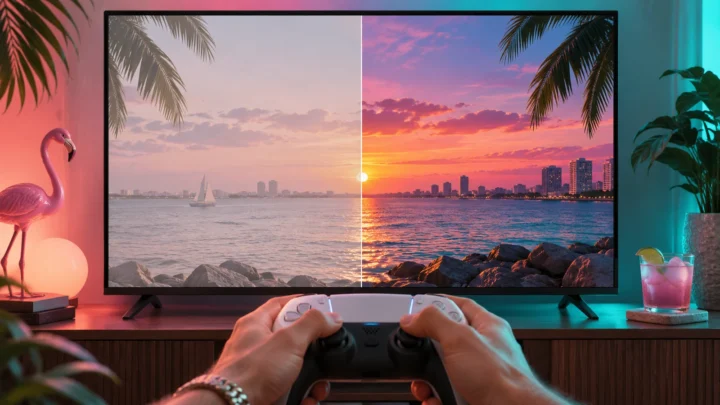
A TV split between a washed-out picture and a vivid sunset, with a controller in front.
Fixes Officially Confirmed November 17, 2026

GTA 6 HDR Looks Washed Out? PS5 and Xbox Display Checks

GTA 6 HDR washed out? Check that your TV detects HDR on the console’s HDMI input, run HDR calibration, and compare the same scene…

Read
A gaming headset with a boom microphone on a stand beside a controller.
Fixes Officially Confirmed November 17, 2026

GTA 6 Headset Mic Not Working? PS5 and Xbox Voice Chat Checks

GTA 6 mic not working? Test your headset mic in a console party, then check the game’s chat channel, mute settings and account permissions.

Read
A TV showing a mute symbol above a soundbar while a player holds a controller.
Fixes Officially Confirmed November 17, 2026

GTA 6 No Sound on PS5 or Xbox? How to Fix Game Audio

GTA 6 no sound on PS5 or Xbox? Check your TV, headset and console audio output, then the game’s own sound settings, one step…
Read
A player holding a controller in front of a TV showing a dark loading screen.
Fixes Officially Confirmed November 17, 2026

GTA 6 Installed but Won’t Launch? PS5 and Xbox Fixes

Check updates, installation, and console symptoms if GTA 6 crashes on startup or gets stuck loading.
Read
A monitor showing an update sync icon above a console and controller.
Fixes Community Reported November 17, 2026

GTA 6 Update Guide: Patch Sizes, Versions and How to Update

Check for a GTA 6 update on PS5 or Xbox and understand patch size, installed version, and rollout status.
Read
A monitor showing a padlock icon above a progress bar, with a controller on the desk.
Fixes Officially Confirmed November 17, 2026

GTA 6 Won’t Unlock After Downloading? PS5 and Xbox Checks

Check the GTA 6 release time, owning account, and license if your installed game still shows a lock or too-early message.
Read
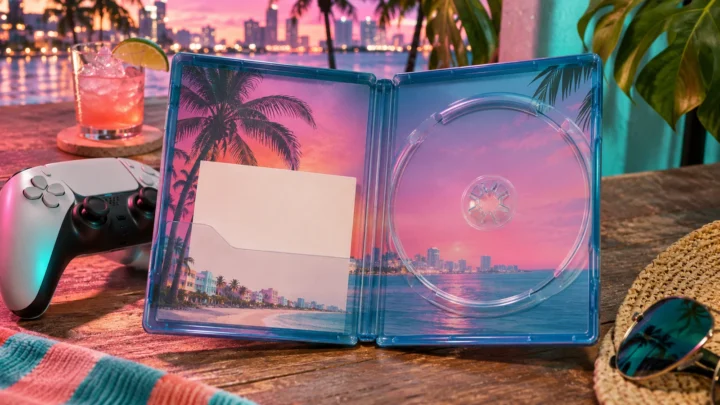
An open game case holding a blank code card beside a controller.
Fixes Officially Confirmed November 17, 2026

How to Redeem a GTA 6 Download Code on PS5 or Xbox

Redeem a GTA 6 code on the right account and find the game in your PlayStation or Xbox library.
Read
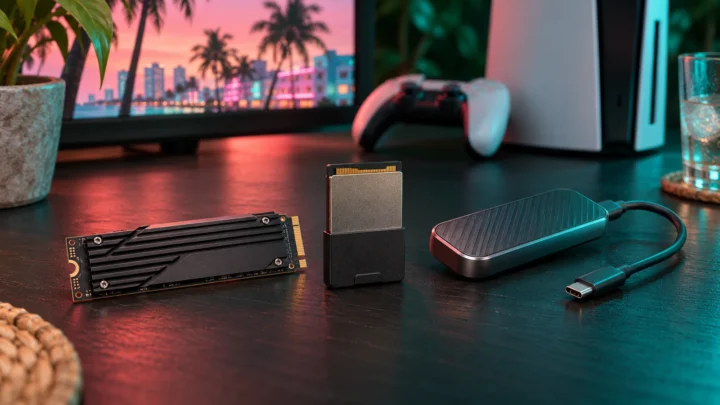
An M.2 SSD, a storage expansion card and a USB external drive on a desk by a console.
Fixes Officially Confirmed November 17, 2026

Can You Install GTA 6 on an External Drive? PS5 and Xbox Storage Guide

Compare USB drives, PS5 M.2 SSDs, and Xbox expansion cards for storing and playing GTA 6.
Read
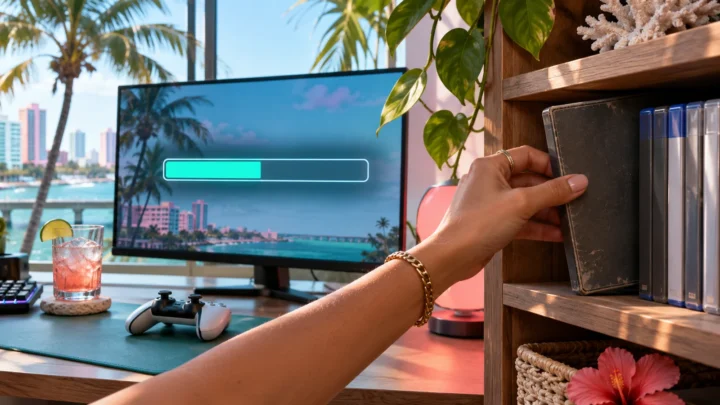
A hand taking a game case off a shelf while a monitor shows a storage bar.
Fixes Officially Confirmed November 17, 2026

How to Free Up Space for GTA 6 on PS5 and Xbox

Find out how much space to free for GTA 6 and move or remove games on PS5 and Xbox Series X|S.

Read

Posts navigation

Previous 1 … 16 17 18 Next
GTA 6 Help HubGTA 6 Help Hub

Launch information, console troubleshooting, practical guides and player tools — checked against sources before anything is published.

Independent Fan Resource

Confirmed facts are separated from reports, estimates and speculation. How we verify

  • Contact & corrections

Explore

  • Launch
  • Fixes
  • Guides
  • Updates

Tools & gear

  • Player tools
  • Gear
  • Storage
  • Editions

Editorial

  • About
  • Editorial policy
  • Sources & verification
  • Corrections
  • Contact

GTA 6 Help Hub is an independent fan resource. It is not affiliated with, endorsed by or sponsored by Rockstar Games or Take-Two Interactive. Grand Theft Auto, GTA, GTA VI and related names, logos and marks belong to their respective owners and are used here only to identify the games we write about. Full disclaimer

© 2026 GTA 6 Help Hub. Fan-made and independently run.

  • Privacy
  • Image credits
  • Terms
  • Affiliate disclosure
  • Copyright / DMCA
  • Disclaimer