


GTA 6 Black Screen on PS5: Check HDMI, TV Inputs and Video Output
If the television shows no signal when you try to play GTA 6 on PS5, first establish whether the console’s home screen is visible.…
Archive
If the television shows no signal when you try to play GTA 6 on PS5, first establish whether the console’s home screen is visible.…

PS5 Safe Mode contains several different maintenance actions. Clearing a system cache, rebuilding the content database, restoring settings, and resetting the console are not…
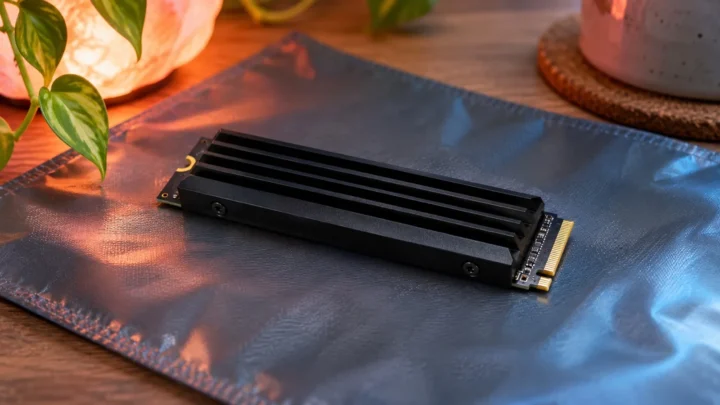
A compatible M.2 SSD can provide additional playable storage for PS5 games, including an installed GTA 6 copy when its platform requirements are satisfied.…
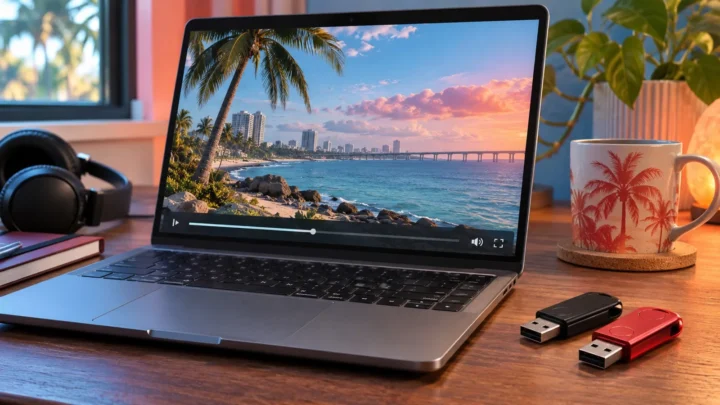
To back up GTA 6 recordings on PS5, copy the clips and screenshots you want from Media Gallery to a suitable USB drive, then…

If GTA 6 is installed on a shared PS5, use separate adult and child accounts and review each child’s game-access restrictions through the family…
If a GTA 6 bonus or edition extra is missing on PS5, identify the exact item before changing anything. A downloadable pack, an in-game…
If you bought GTA 6 but cannot find it on PS5, check the buying account’s transaction history before buying again. Identify the exact product,…
Use PlayStation App’s library to select your owned GTA 6 product and the PS5 you want to download it to. Before relying on the…

To download GTA 6 while a PS5 is resting, the console needs the relevant download settings, permission to stay connected to the internet in…
On a shared PS5, start by separating who owns GTA 6 from who plays it. The buying account holds the purchase. Each player should…